
Scheduling & Publishing
Approved content with a publication date is published to your social accounts automatically. Track per-account publication status and retry failures with one click.
Scheduling Content
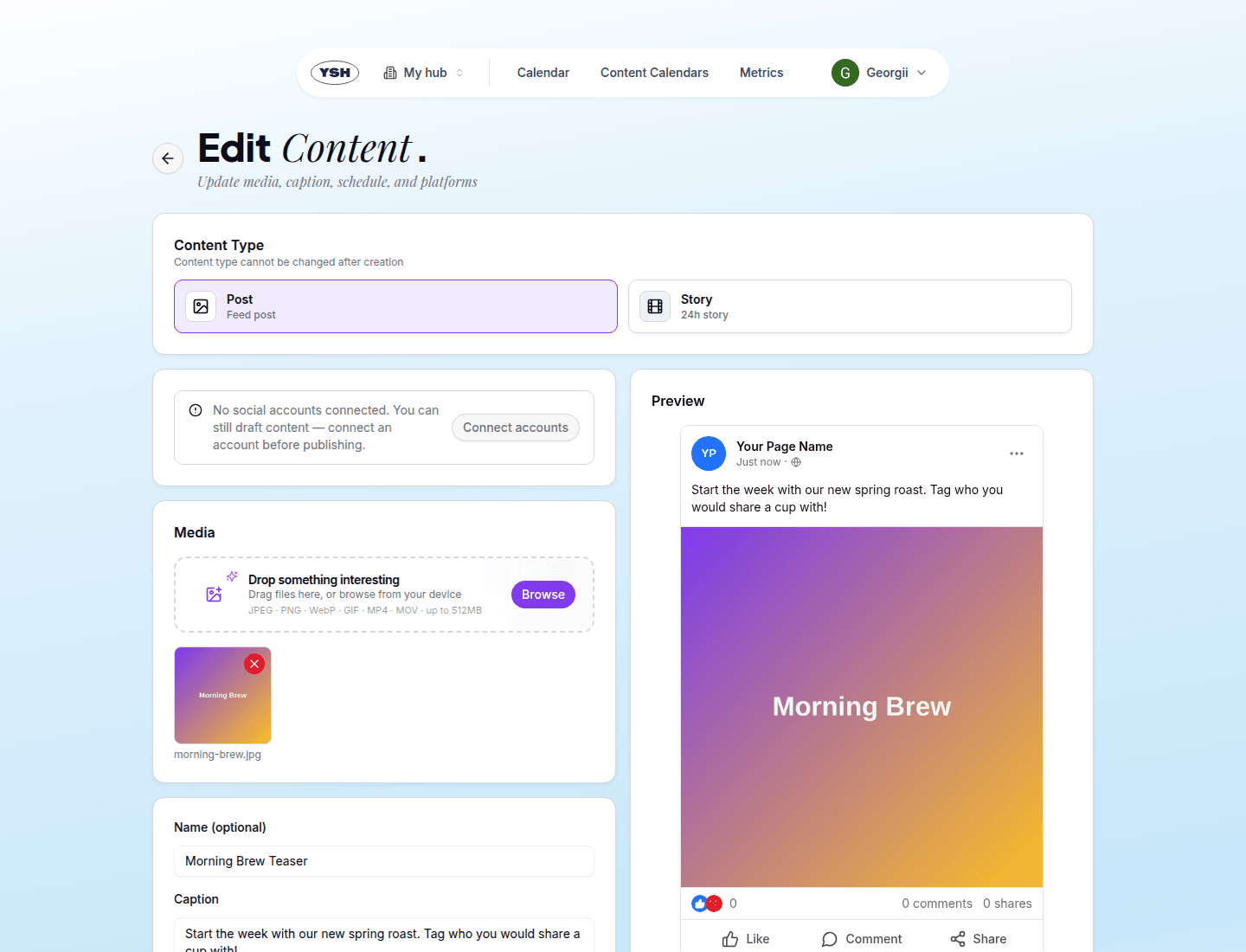
Scheduling in YSH is simply setting a Publication Date & Time on content — at creation or later via Edit. Once the content is Approved and the time arrives, YSH publishes it to all selected social accounts automatically.
A few rules to keep in mind:
- Only approved content is auto-published. Content still in review at its publication time is not published.
- Approved content is locked against edits except for the publication date — so what the client approved is what gets published.
- Content without a publication date stays in the Unscheduled Content section of the calendar view until you schedule it.
Publishing Immediately
Two ways to skip the schedule:
- Publish now toggle at creation — the content is created and published right away (review is skipped).
- Publish Now button on an approved content's detail page.
Tracking Publication
When the scheduled time arrives the content moves to Publishing, then to Published. The content detail page shows the publication status per social account, including links to the live posts where the platform provides them.
When Publication Fails
If a platform rejects the post (an expired connection, an unsupported file, a platform outage), the content is marked Publication Failed and the detail page shows the error per account. Fix the cause — for example, reconnect the account in Hub Settings — and click Retry Publish.