
Introduction
Your Social Hub (YSH) is a social media content approval platform for content creators, social media managers, and their teams. It brings content production, client review, scheduling, and auto-publication together in one place.
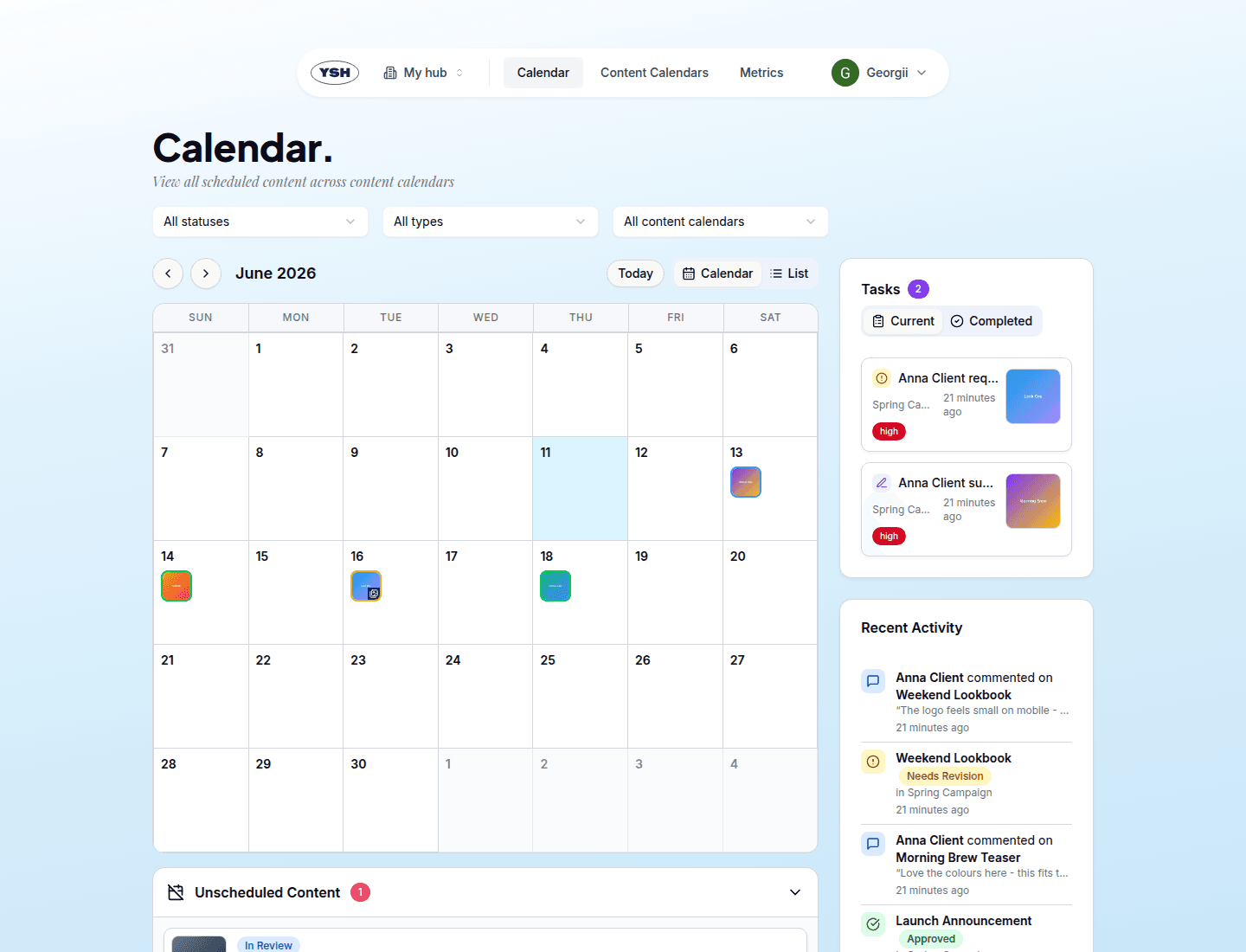
Key Concepts
Hubs
A Hub is your workspace. It holds your connected social accounts, content calendars, and content. Every hub belongs to a team — the team's members share access to all of the team's hubs. You can be a member of several teams and switch between hubs at any time.
Content Calendars
Content Calendars organize content into projects or campaigns. You create a calendar for a client or campaign, add content to it, capture ideas in its Idea Hub, and share it with reviewers through secure review links.
Content
Content is a social media post in the making: a single image or video post, a carousel, or a story. Each piece of content carries a caption, an optional internal name, a publication date, and the social accounts it will be published to.
Review Links
Reviewers — your clients or stakeholders — don't need an account. You create a personal review link for each reviewer, protected by a PIN code. They open the link, review the content, leave comments, suggest caption edits, and approve or decline.
The Content Workflow
Every piece of content moves through a status workflow:
- In Review — newly created content goes straight into review (unless you choose to skip review).
- Approved / Revisions Needed / Rejected — the outcome of the review. Content that needs revisions can be updated with a new version and sent to review again.
- Publishing → Published — approved content with a publication date is published automatically at the scheduled time. If something goes wrong, the content is marked Publication Failed and can be retried.
Team Roles
Each team member has a role that applies to all hubs owned by the team:
- Content Creator — can create and edit content, write comments, send content to review, schedule publications, and manage content calendars.
- Admin — everything a Content Creator can do, plus inviting and removing members, changing roles, managing hub settings, and deleting hubs and content calendars.
What's Next
Continue with Getting Started to create your account and set up your first hub.