
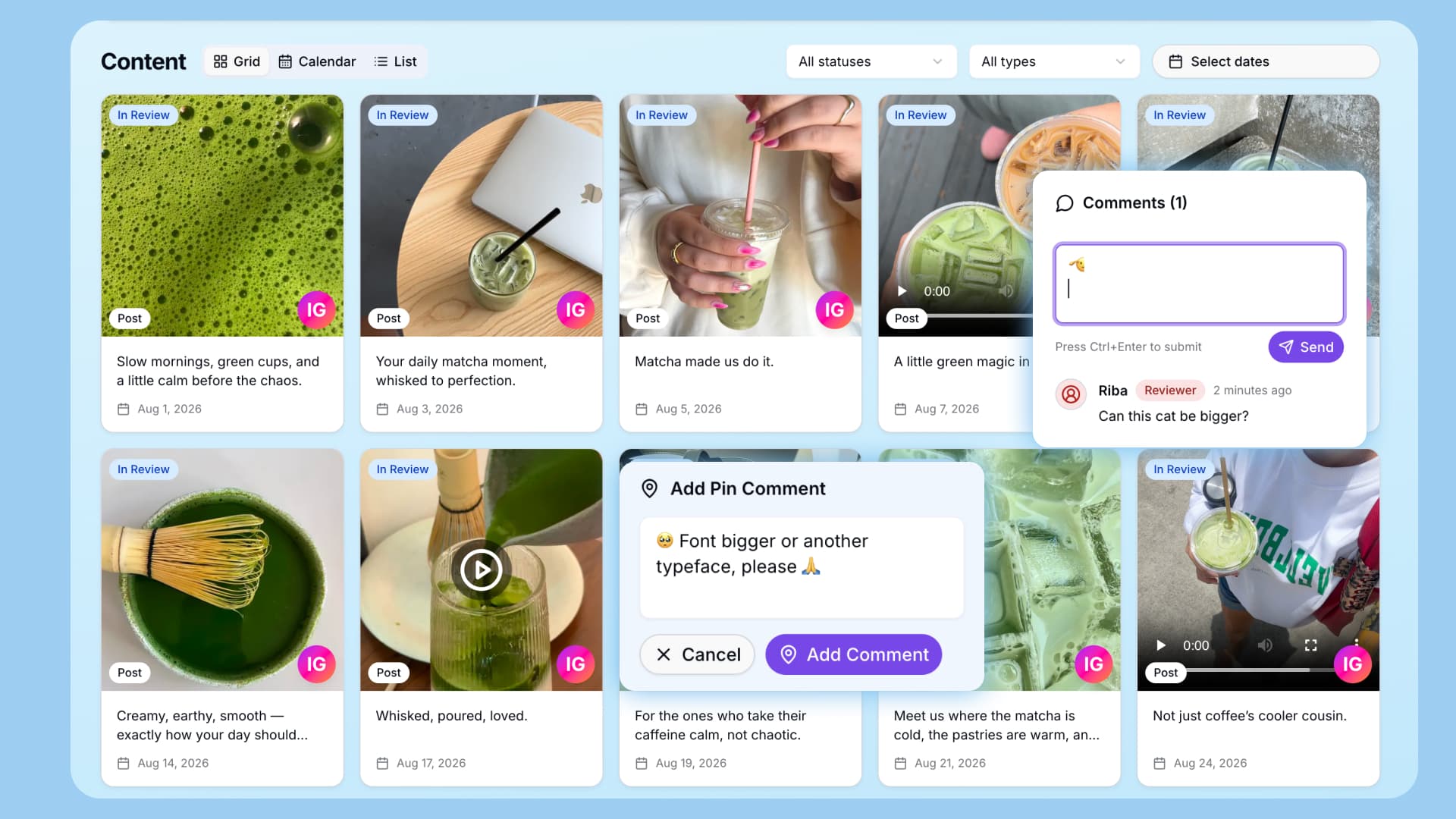
Social Media Approval Workflow: How to Get Faster Client Approvals
Getting social media content approved should be simple.
In reality, feedback is often scattered across emails, messages and documents, causing delays and confusion.
A clear social media approval workflow helps you collect feedback faster, reduce revisions and publish on time.
What Is a Social Media Approval Workflow?
It’s the process of reviewing, editing and approving content before publishing.
It typically includes:
- Creating content
- Sending it for review
- Collecting feedback
- Making revisions
- Getting approval
- Scheduling posts
The goal is to keep everything organised and easy to review.
Why Approvals Take Too Long
Most delays come from poor structure, not difficult clients.
Common issues include:
- Feedback spread across multiple tools
- Clients unsure what to review
- No clear deadlines
- Vague revision requests
These slow down the entire process.
How to Build a Faster Workflow
1. Use One Content Calendar
Keep all posts, captions and visuals in one place.
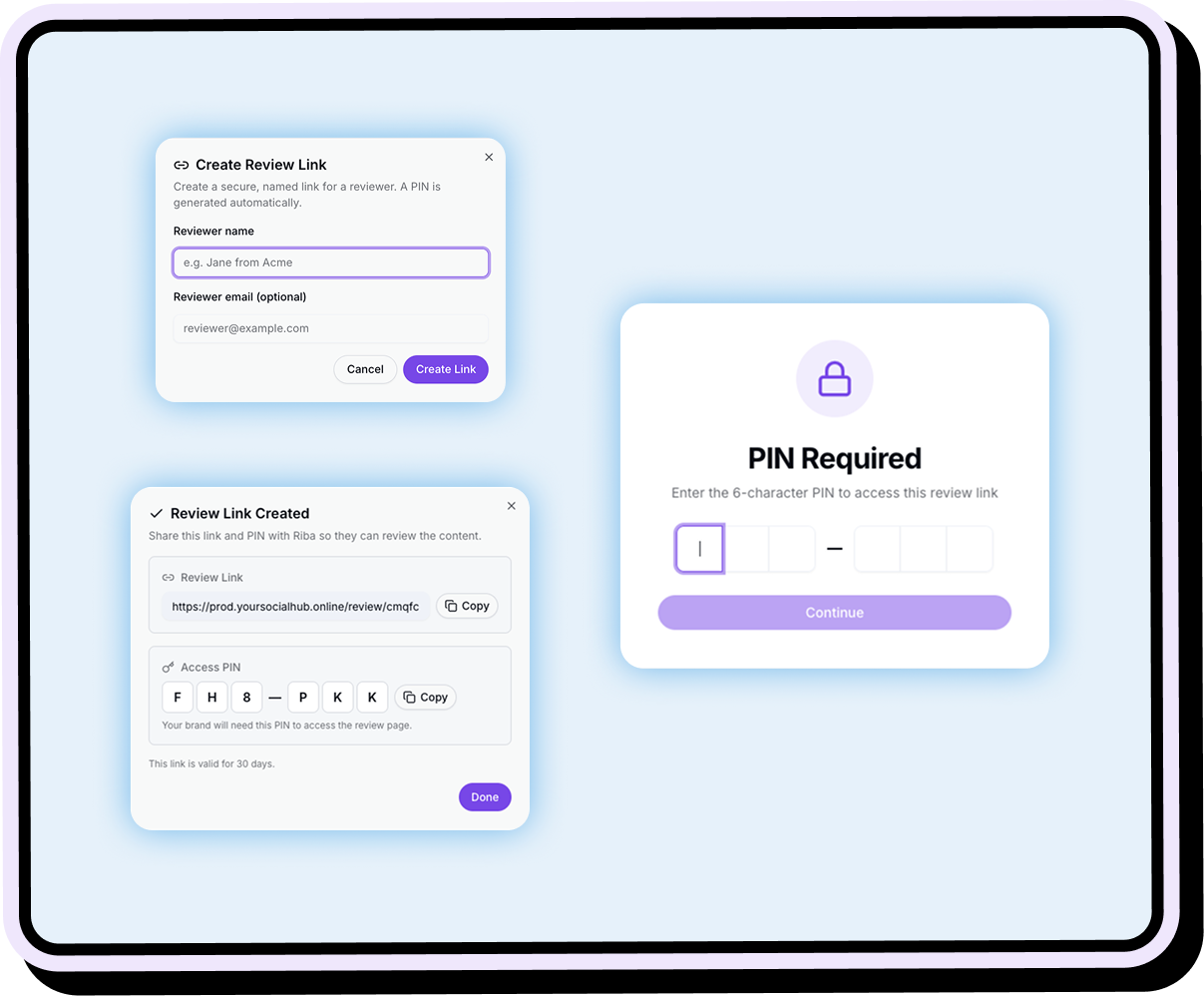
2. Send One Review Link
Avoid multiple files. Give clients one simple link.
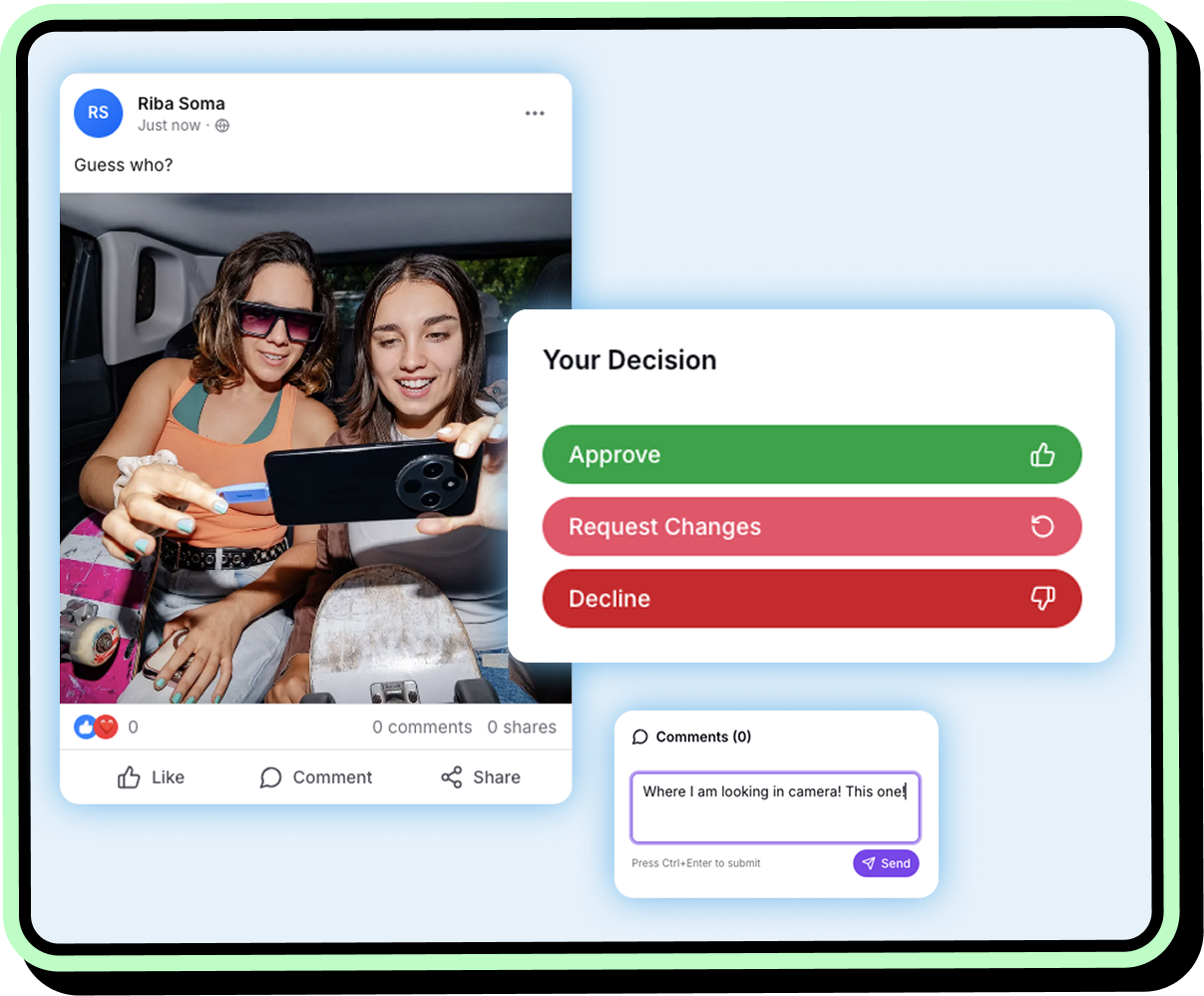
3. Collect Feedback on the Content
Let clients comment directly on posts, images or videos.
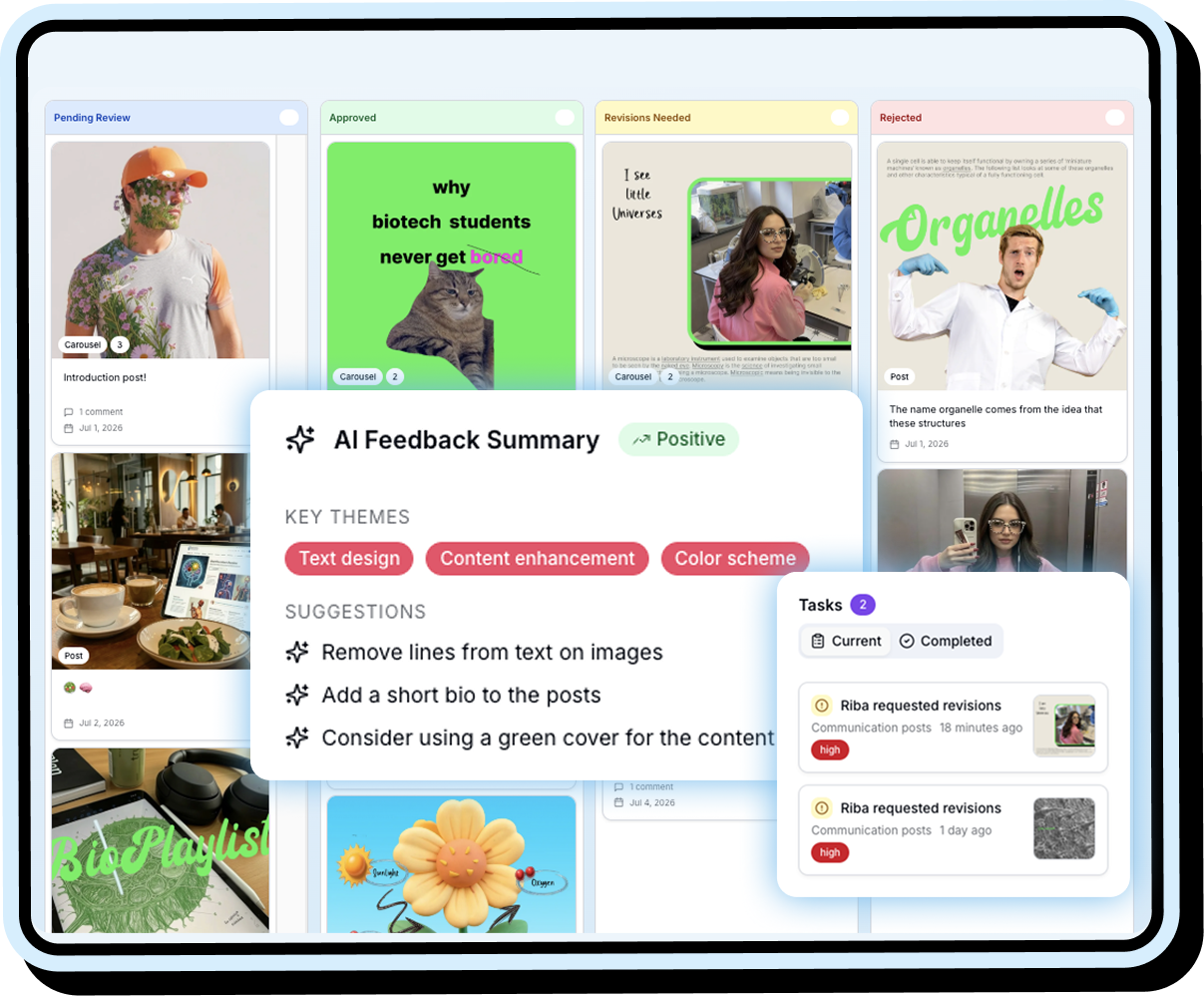
4. Use Clear Statuses
For example: Pending, Approved, Revisions, Scheduled.
5. Turn Feedback Into Tasks
Make revision requests clear and actionable.
/
6. Set Deadlines
Always include a specific review date.
7. Limit Revisions
Define how many revision rounds are included.
8. Schedule After Approval
Move approved content directly into scheduling.
Simple Approval Process
- Create content calendar
- Review internally
- Send one link
- Set deadline
- Collect feedback
- Make revisions
- Get final approval
- Schedule posts
Better Client Feedback
Ask clients to be specific:
- What should change?
- Where is the issue?
- What result do they want?
Clear feedback saves time.
How Your Social Hub Helps
Your Social Hub keeps everything in one place.
You can:
- Build content calendars
- Send one approval link
- Collect feedback directly on content
- Track revisions
- Schedule approved posts
Clients don’t need an account, making approvals faster.
Quick Checklist
Before sending content:
- Everything is in one calendar
- Posts include visuals and captions
- One review link is shared
- Deadlines are clear
- Feedback is centralised
- Statuses are visible
Final Thoughts!
Slow approvals usually come from messy workflows.
Keep everything in one place, simplify the review process and make feedback clear.
That’s how you get faster approvals and smoother publishing.