

Generic AI Knows Marketing. Connected AI Knows Your Marketing.
AI can generate a caption in seconds. But before it can write anything useful, your team has to explain the campaign, paste in the brief, share examples of your brand voice, copy over the content calendar and describe what has already been published.
Then someone has to move the result back into the tools where the real work happens.
For teams managing social content every week, that constant briefing and copy-pasting quickly becomes another task to manage. The AI may be fast, but the workflow around it is not.
Your Social Hub solves that problem.
One workspace for your social content
Your Social Hub is where marketing teams plan, create, review and publish social content.
It brings your content calendars, Ideas Hub, drafts, media, feedback, approvals and publishing workflow into one shared workspace. Instead of managing campaigns across documents, spreadsheets, chats and email threads, everyone works from the same source of truth.
Writers can see what needs to be created. Marketing managers can follow the calendar. Reviewers can leave feedback on the actual content. Approved posts can move into the publishing schedule without another handover.
The Your Social Hub plugin for Claude extends that workspace. It lets Claude work with the campaign context already stored in Your Social Hub.
That is the important difference:
Generic AI knows marketing. Connected AI knows your marketing.
Why normal AI workflows waste so much time
A blank Claude conversation knows how to write social content, but it does not know your current campaign.
It cannot see that Tuesday is already booked, that Friday still needs a post or that your team has six unused ideas waiting in a spreadsheet. It does not know which captions were approved last month, which formats performed well or which draft is waiting for feedback.
Your team has to provide that context manually.
A typical AI-assisted workflow often looks like this:
- Find the campaign brief.
- Copy the relevant sections into Claude.
- Paste examples of previous captions.
- Explain the audience and brand voice.
- Check the content calendar for open dates.
- Copy the draft into another tool.
- Send it to the right people for review.
- Update the calendar once it is approved.
The writing may take two minutes. Everything around it takes much longer.
When Claude is connected to Your Social Hub, much of that setup disappears. Claude can work with the calendars, ideas, drafts and performance information your team already has permission to use.
You spend less time preparing the AI and more time reviewing useful work.
How Claude and Your Social Hub work together
Your Social Hub remains the place where the team manages the campaign. Claude becomes a faster way to work with the information inside it.
You can ask Claude to review a calendar, find unused ideas, prepare captions, identify gaps in the plan or analyse recent performance. When the result is useful, it can be saved back into the appropriate workflow instead of being left in a private conversation.
This does not replace the platform or create a separate AI workflow. It makes the existing Your Social Hub workflow easier to use.
Here are four practical ways a social media team can put it to work.
1. Plan the week without rebuilding the calendar in a prompt
Planning social content is rarely about filling an empty week. Most teams already have launches, recurring posts, deadlines and half-finished ideas competing for the same dates.
Claude can review the content already planned in Your Social Hub alongside the ideas waiting in the Ideas Hub. It can show you where the gaps are and suggest which existing ideas could fill them.
For example:
Review next week's calendar. Show me what is already planned, identify the open days and suggest which existing ideas would create a balanced mix of content.
Claude can prepare the proposal without your team copying calendar entries into the conversation. You can review the suggested plan before any dates are changed.
The result is faster planning and better use of the ideas your team has already created.
2. Create stronger first drafts with real campaign context
AI copy often sounds generic because it starts with a generic prompt.
“Write an Instagram caption for our product launch” says nothing about your usual tone, the rest of the campaign or the content your audience has already seen.
When Claude is connected to Your Social Hub, it can read the relevant ideas and recent content before drafting. That gives it a better understanding of the language, formats and themes your team already uses.
You can ask:
Draft three carousel concepts for this launch. Use the tone of our recent campaign content and avoid repeating topics already planned this month.
The first drafts arrive with more useful context. Your writers still shape the final message, but they no longer have to begin with an empty page or spend half the prompt explaining the brand.
Good drafts can be saved to the Ideas Hub, where the rest of the team can find and develop them.
3. Turn existing ideas into review-ready drafts
Promising ideas often get stuck between planning and production.
The concept may already have a title, caption, proposed date and media, but someone still has to transfer everything into a content draft before review can begin.
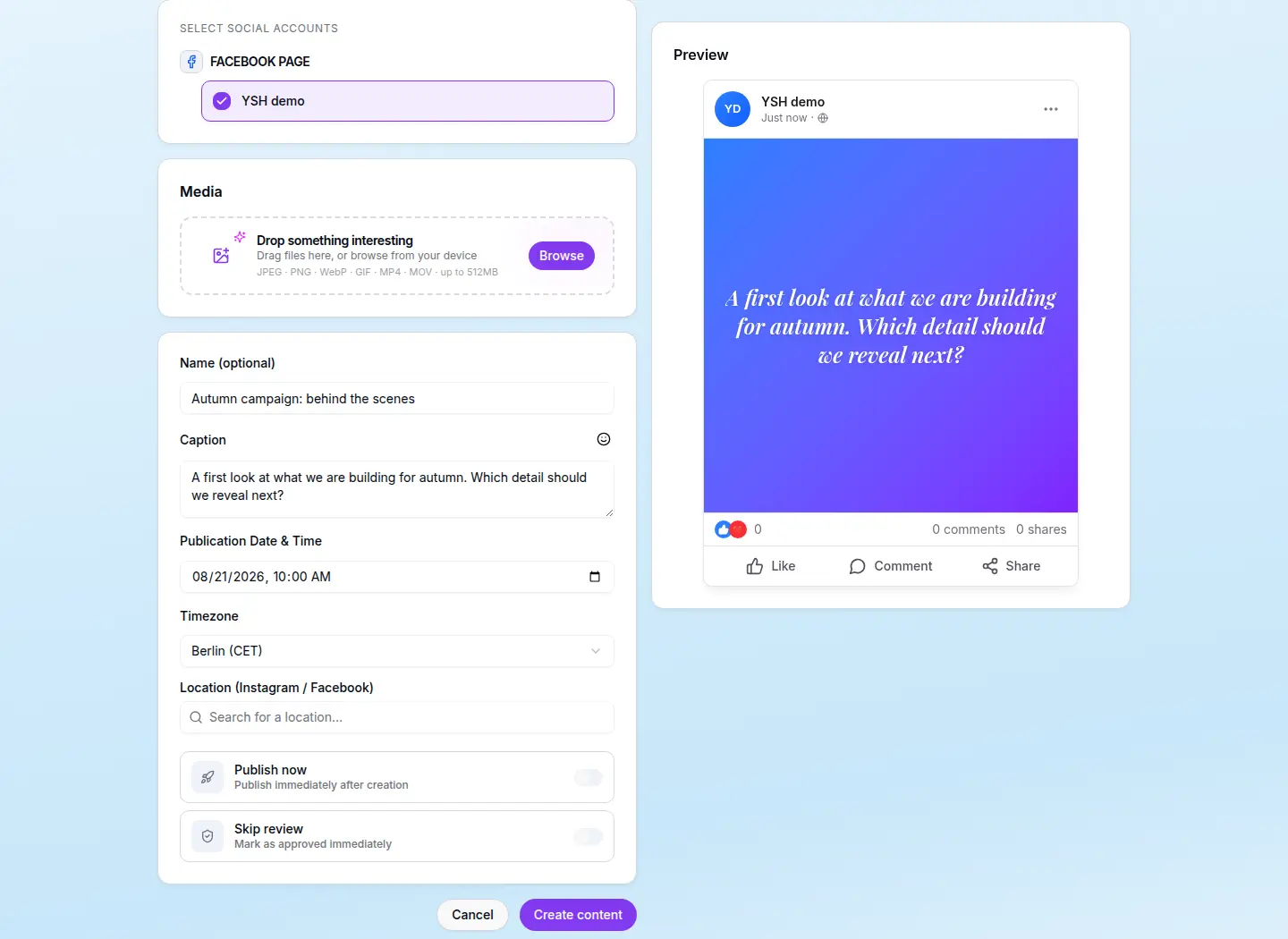
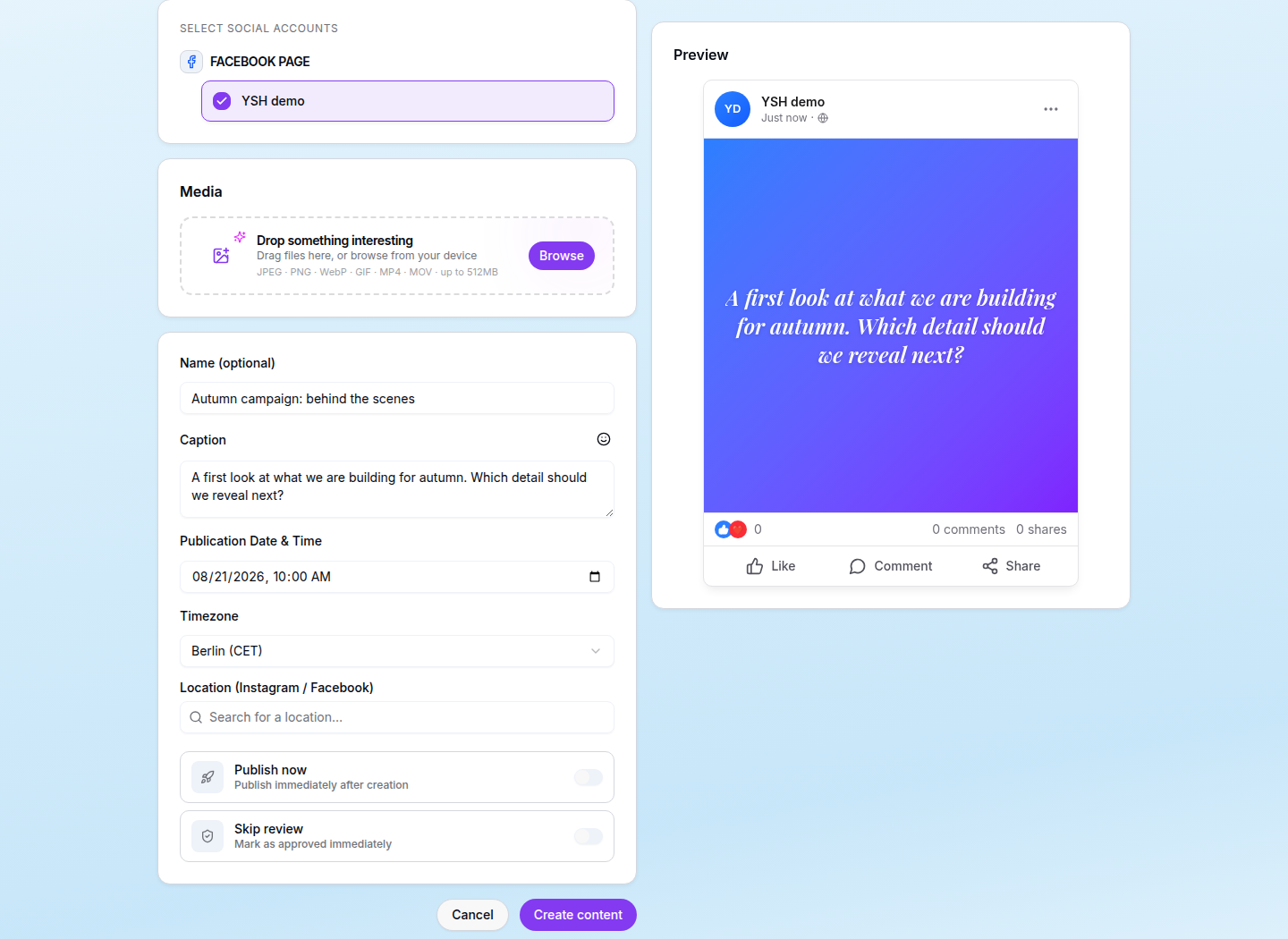
With the Claude integration, your team can turn an existing idea into a review-ready draft without copying text, dates or existing assets between tools.
You might say:
These three campaign ideas are ready. Prepare them for review and tell me what the team still needs to check.
The new drafts appear in the same Your Social Hub review workflow as content created by a person. Reviewers can check the copy and media, leave feedback and approve the final version.
This shortens the distance between “we should make this” and “this is ready for a decision.”
4. Turn performance data into the next round of ideas
Social performance is useful only when it changes what the team does next.
Your Social Hub brings performance information from connected social accounts into the same workspace where the team plans content. Hub administrators can ask Claude to review results from the last 7, 30 or 90 days and identify the posts that performed best by measures such as views, reach, shares, saves or clicks.
For example:
Show me the posts with the most saves in the last 30 days. What do they have in common, and what should we create next?
Claude can summarise the strongest patterns and help turn them into new Ideas Hub entries.
That gives the team a simple working loop:
Review what worked, decide what to repeat and add the next ideas to the calendar.
There is no spreadsheet export and no need to paste performance figures into a separate chat. The insight stays connected to the content workflow where the team can act on it.
Your team stays in control
Claude only receives access to the Your Social Hub information that the signed-in user is allowed to access. During setup, you choose which permissions to grant, such as reading calendars, working with ideas or creating drafts.
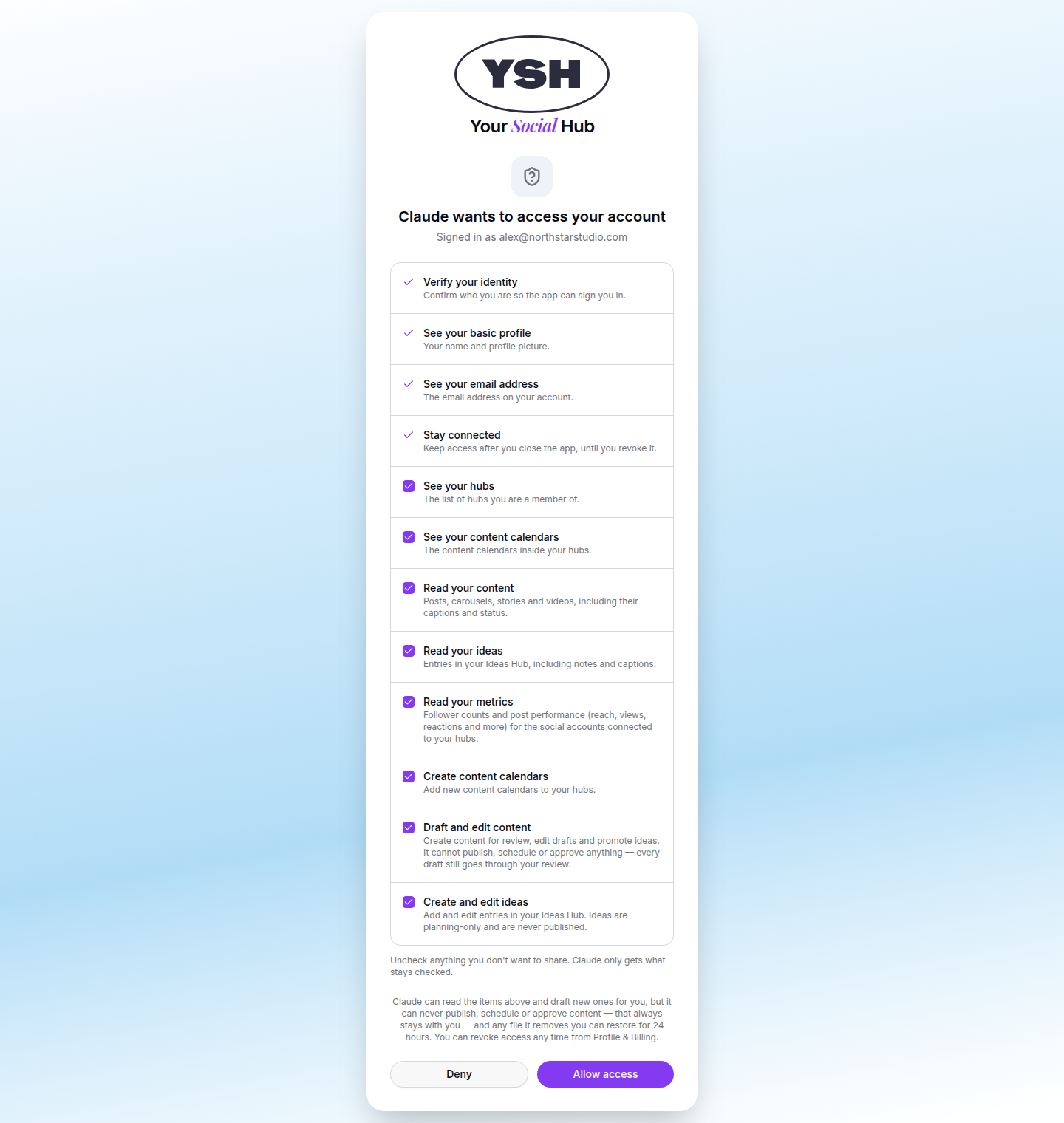
The publishing boundary is clear. Claude can help plan content, create ideas and prepare drafts, but content created through the integration enters the review queue. A person still checks the work, selects the social accounts and approves it before it can be published.
Your team gets the speed of AI without removing the workflow that protects the brand.
Getting started
The plugin works with Claude Cowork and Claude Code. Claude Cowork offers a guided setup for non-technical teams and does not require a terminal.
After installing the plugin, connect Your Social Hub, sign in through your browser and choose the permissions that fit your role.
Start with one campaign and one practical request:
Review our content calendar for next week. Show me what is already planned, where the gaps are and which existing ideas could fill them. Do not change anything until I approve the plan.
That first request demonstrates the real value of connected AI. Claude is no longer guessing from a short prompt. It is helping with the marketing work your team is already managing.
Give your AI the context of your real marketing work
Your team should not have to rebuild its campaign context every time it opens an AI assistant.
Your Social Hub keeps the important information together: the calendar, the ideas, the drafts, the media, the feedback, the approvals and the publishing plan. The Claude integration makes that information easier to use.
You get faster planning, stronger first drafts, better use of existing ideas and a clearer path from performance insight to the next campaign.
Most importantly, the work remains connected to the team responsible for its review and publication.
Start using Your Social Hub for your next campaign. Bring your content plan, ideas and approval workflow into one shared workspace, then connect Claude and let it work with the context your team has already created.